Case studies
AI & ML development
Case studies
AI & ML development

MANAVA MCP Context: One Project Memory for Client and Team

WORKFLOW:Requirements, decisions and documentation across client calls, Telegram, Jira, Confluence and code
SYSTEM STATE:Used by the client and all developers since October 2026. About six weeks from start to launch, three of them development

Proof in production

What changed
Specs start from the current code and the latest decisions, checked before anyone reads them
What we built
An MCP server with 43 tools and a Telegram bot over calls, chat, Jira, Confluence, code and production data
What's protected
Personal expiring tokens, read-only access to production data, and owner approval for every change an agent proposes
01

MANAVA's client and developers now ask one system instead of searching every tool

MANAVA is an international competitive gaming multiverse where players train, compete in tournaments and grow together. A product like this moves through many conversations at once: calls with the client, a busy Telegram chat, Jira, Confluence and eight code repositories.
The client asked us for one place that always knows the current state of the project. We built it as an MCP server: the client, every developer and their AI assistants connect to the same base, and a Telegram bot called Archie answers from it inside the project chat. Sergii Shmakov of Lazy Ants led the project, and since October 2026 the client and all developers work through it.
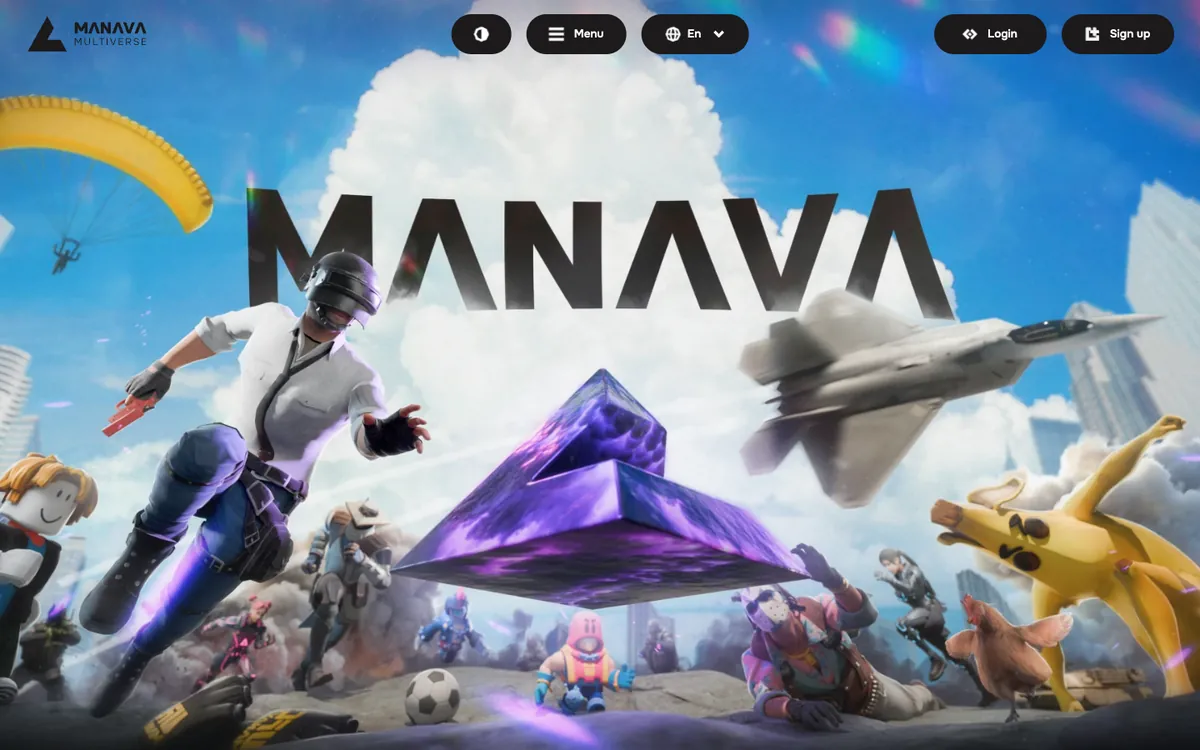
The home page of manava.io
manava.io, the competitive gaming multiverse behind this case.
02

Before the system, the context was everywhere and nowhere

Every client call was recorded, with a transcript and a recap. That was the good part. The recordings lived outside our tools, and recaps were pasted into the Telegram chat by hand.
Priorities, requirements and plans were agreed on those calls, then refined in chat, then written up in Confluence. Everyone on the team used AI, but each person fed it a different slice of the project.

Where context got lost

  • Decisions on calls were hard to tell apart from discussion, so some of them were simply lost
  • Clarifications asked in Telegram never made it back into Confluence
  • A Jira task changed the plan, and only the few people on it knew
  • Different team members worked from different versions of the same requirement
  • Nobody had one place that held the latest state of the project
03

One document could take a week to approve

Documentation was written with AI help, but by hand: take the context from a call, add what was missing, ask the client in chat, sometimes call again, write the page in Confluence, send it to the client, collect comments and fix them.
Two or three rounds of that were normal. With everyone also busy with other work, one document could stretch to a week, and by the time it was approved, parts of the context had already moved on.

The old documentation loop

  1. 01Pull the context out of the call recording and the recap
  2. 02Fill the gaps and ask the client in Telegram
  3. 03Call again when the answers raised new questions
  4. 04Write the page in Confluence and send it to the client
  5. 05Collect the client's comments and fix the page, two or three times
Two or three rounds of this: up to a week for one document
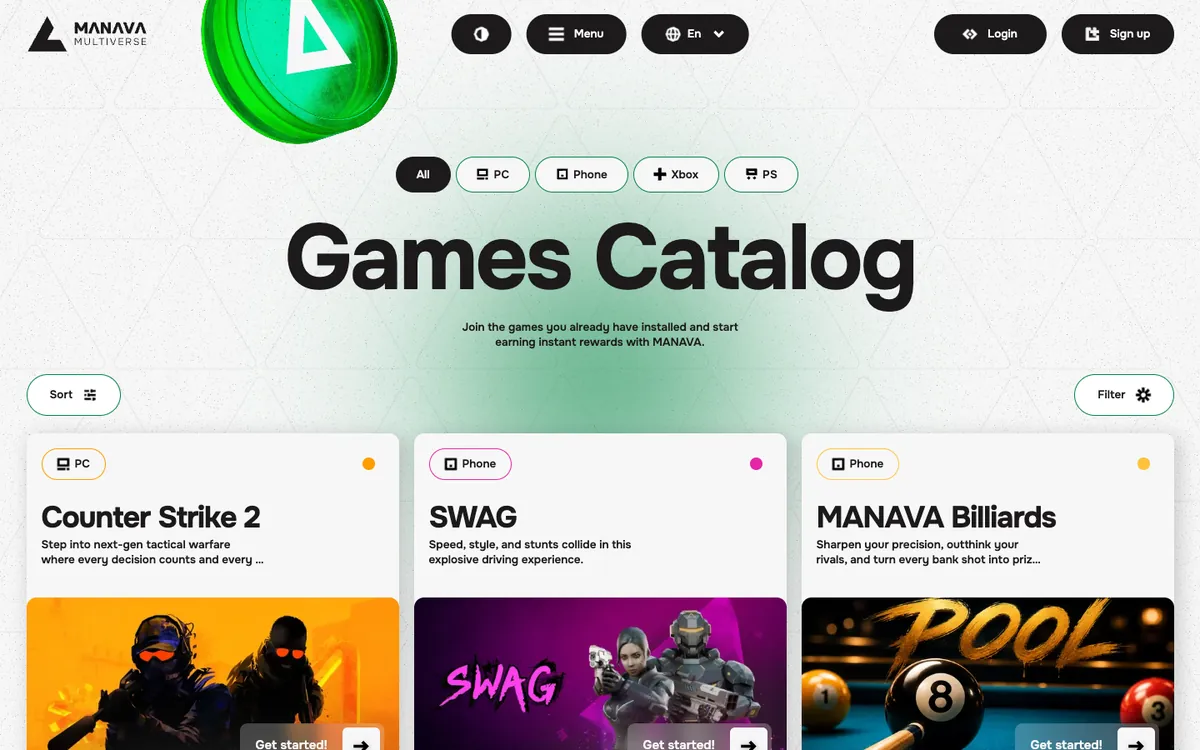
The games catalog on manava.io
The games catalog. Every feature like this passed through calls, chat, Jira and Confluence before it shipped.
04

Ready-made tools did not cover the sources this project runs on

This project needed one answer drawn from all of its sources at once, refreshed all the time, with the code and production data in the same answer as the conversations.
That combination is what makes the system useful, and it is why we built it instead of buying it. Figma is the next source being connected.
Connected sources
  • Jira
  • Confluence
  • Fireflies
  • Telegram
  • GitLab
  • PostgreSQL
  • MongoDB
  • Wobbly time tracking
  • Figma, next

What the system reads

  • Jira: every task, its status history and attachments
  • Confluence: the project documentation
  • Client calls: Fireflies transcripts and their analysis
  • Telegram: the whole project chat, with voice messages turned into text
  • GitLab: merge requests, commits, releases and the source code of eight repositories
  • Production databases, read-only, with personal data masked
  • Time tracking: hours by person and by task
05

One base, refreshed every few minutes, that answers with a source

Calls, chat, Jira, Confluence, commits and hours land in one database with full-text and semantic search, and each source has its own sync: Jira and Confluence every five minutes, merge requests and commits every fifteen, the chat as messages arrive. Source code and production data are read live, on request.
When a question needs fresher data, the system refreshes the source on demand, which takes one to two and a half seconds for Jira. Answers come with a link, the date of the source and the age of the copy, and the system is told to say when it found nothing instead of guessing.

What is in the base, November 2026

  • About 2,100 Jira tasks with their history
  • More than 200 recorded client calls
  • About 25,000 Telegram messages
  • Eight product repositories, followed commit by commit
  • The project documentation and a glossary of project terms, including their old names
06

After every call, decisions are separated from discussion

Every client call is recorded with Fireflies, and each recording is picked up and analysed automatically. The system pulls out decisions, requirements, tasks and open questions, each with a quote and the minute of the recording, and adds them to a decision journal as proposed, not as settled.
The team can make this precise by saying it out loud on the call: "we record a decision", "we record a requirement", "only discussing". A marker counts only when someone from our team says it, and records found without one are kept with lower confidence. A decision usually reaches the base about nine minutes after the transcript is ready.

What happens after a call

  1. 01Decisions, requirements, tasks and questions are extracted with a quote and a timestamp
  2. 02Each record enters the decision journal with the status Proposed
  3. 03The system picks up to five questions worth clarifying and sends them to the owners with answer buttons
  4. 04An owner picks an answer, saves the question for the next call or dismisses it, and every answer is recorded with who gave it and when
  5. 05An unanswered question gets at most two reminders and expires after 30 days
07

Specs are written against the code, not against memory

When an owner accepts a requirement, an agent writes the specification. It reads the accepted decisions, the original transcript, the current documentation and the code, so the spec already shows which parts of the code the change touches and where it contradicts what was agreed before.
The spec goes to a dedicated agent area in Confluence. After an owner approves it, the agent breaks it into Jira tasks, and each task is created with its own approval button. The review that used to take two or three rounds now starts from a draft already checked against the code.

What a spec checks before anyone reads it

  • Which code areas, functions and epics the change affects
  • Contradictions with the existing documentation
  • Contradictions with earlier decisions from calls
  • Open points that still need the client's answer
08

Two ways in: your own AI assistant and the project chat

Developers connect the MCP to Claude Code or another assistant with one command and a personal token, then ask about the project in plain words while they work. The client connects the same way and sees the questions waiting for them. Owners also work through Archie in Telegram, where approvals happen.
Every interface reads one base, so an answer in the chat and an answer in a developer's terminal draw on the same data.
Where people ask
  • Claude Code
  • Telegram

Typical questions

  • What did we decide about this feature, and when did it change?
  • Which tasks are stuck, and where is the Jira status behind the code?
  • What does this requirement touch in the code?
  • Who is working on what right now?
  • Which questions is the client still waiting to answer?
09

Archie answers inside the project chat

Archie is the project's Telegram bot. It reads the whole chat, answers from the same base with links, and can draft a question for the client, which goes out once an owner approves it.
Anyone on the project can ask Archie to record a decision, a requirement, a task or a question, and it goes into the journal as proposed. In the client chat Archie uses the client's permissions. Owners get the full picture, plus commands for open questions, stuck tasks and pending approvals.

What people use Archie for

  • Asking where a topic stands, with the history of what was decided and when
  • Recording a requirement or a task straight from the chat
  • Seeing what is stuck: tasks whose Jira status lags behind the code
  • Getting the open questions after a call
  • Teaching it a rule, which takes effect only after an owner confirms it
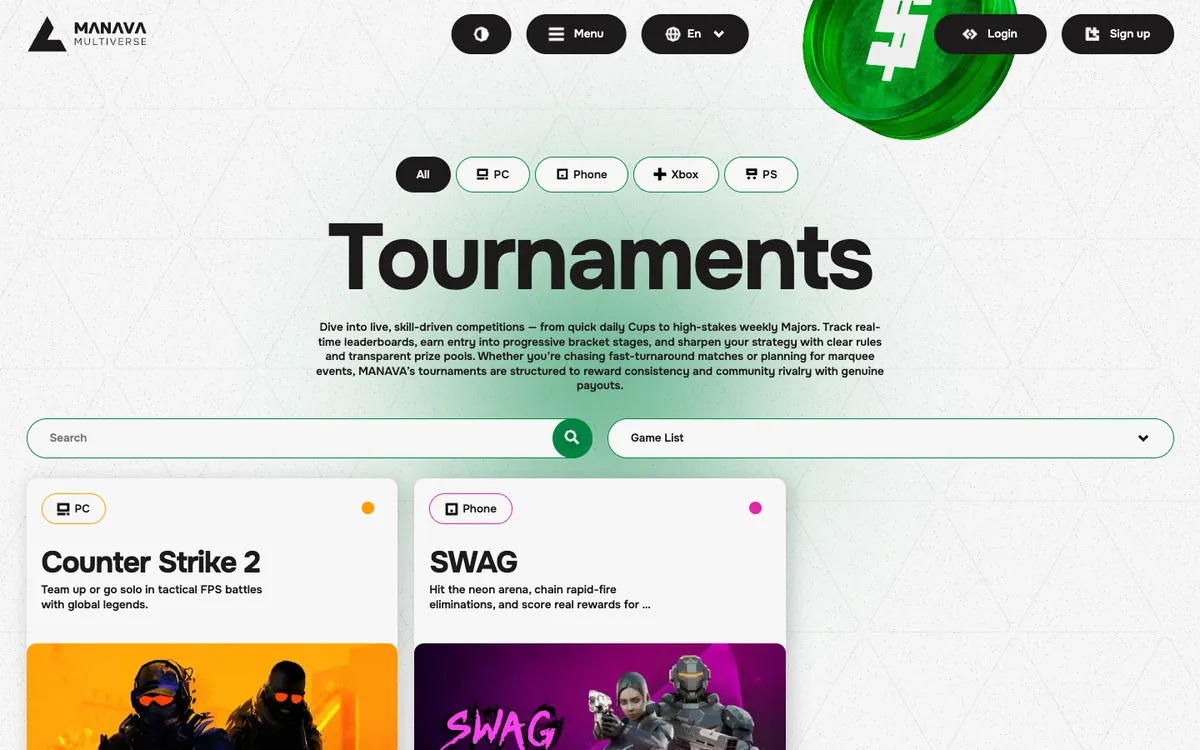
The tournaments page on manava.io
Tournaments on manava.io. A requirement for a page like this now starts from the current code and the decision journal.
10

Agents propose, people approve

Nothing an agent proposes reaches Jira or Confluence directly. When an agent, a developer or the client wants a task created, a field changed or a page written, it becomes a proposal. One of the three owners approves it with a button in Telegram, and only then does a separate gateway make the change. Only a short list of automatic status updates runs without a click.
Even a proposal an owner makes through their own AI assistant goes back to the owners for approval, because the assistant could have read an instruction hidden in someone else's text. Text from tasks, chats and calls is handled as data, and the approval step catches what slips through.

How access is controlled

  • A personal token for each person, valid for 90 days and stored only as a hash
  • Role levels for the client, the team and the owners, checked on every call
  • Production databases read through a read-only role, with personal data masked
  • Known secret formats, emails, phone numbers and card numbers masked before anything enters the base
  • Final statuses such as Done or Rejected stay with people, and nothing can be deleted through the gateway
  • Every tool call is logged
11

Audited with Claude Security and Codex Security

In November 2026 we ran two independent code scanners on the system, Claude Security in Claude Code and Codex Security, both on the same pinned version of the code. Neither tool rated any finding critical or high.
The most serious issue, which our own team rated high, was switched off at once, fixed both in the code and in the database permissions, and redeployed the next day. The medium findings of the code audit were fixed and deployed the same day, and every fix ships with a test that reproduces the original problem.
Scanned with
  • Claude Security
  • Codex Security

What the audit showed

  • The two scanners found 24 distinct issues between them, and only 2 were found by both
  • Production data is protected by database permissions, not only by code filters
  • The server is reachable only through a tunnel and rejects any request without a valid token
  • Services run without root rights on a read-only file system
  • Containers drop all extra privileges and the database role used for reads cannot change data
12

The system checks its own freshness and flags its own misses

Every few minutes the system compares the newest item in Jira, Confluence, GitLab and the call recorder with what is in its base, and warns the owners if anything is missing. Any answer can state how old its data is.
It also audits the bot. It flags answers people objected to, cases where it said it found nothing and someone then posted the source, and questions answered without looking anything up, and lists them for the owners to review.
13

A month and a half from discovery to launch

The project ran in two phases. The first two to three weeks went to discovery and onboarding into the business: which sources matter, who decides what, which questions people ask every day and what must stay inside the team. Development took about three weeks after that.
Two engineers did the work: one for the whole six weeks, the second for the three weeks of development. The system shipped as small releases, 66 of them by mid-November, each one a git tag that can be rolled back to the previous one. The code was written with Claude Code, and about 2,700 automated tests check search answers, access levels and the protections around writes and production data. A system of this size costs about $24,500 at our rates.
Built with
  • Claude Code
  • GitLab
14

What changed for the client and the team

The client and every developer now work through the MCP. Questions that used to go around the chat are answered from the base, documentation starts from the current code and decisions, and the client sees the open questions waiting for them in their own AI assistant.
Time comes back in four places: shorter calls, faster writing of documentation, fewer approval rounds and less back-and-forth in Telegram.

What improved

  • One current context for the client, the developers and their AI assistants
  • Decisions from calls captured with a quote instead of lost in a recap
  • Specs that already show the affected code and the contradictions
  • Open questions for the client generated and tracked
  • Agent and client changes to Jira and Confluence go through owner approval, and every action is logged
15

The system reads and proposes, people decide

Clear boundaries keep the system useful: who reads what, who approves what, and which statuses only a person can set.
Each side knows its part, so a new source or a new agent can be added without changing who is accountable.
Ownership boundaries
01
  • Lazy Ants owns the system: sources, sync, access, the approval gateway and releases
02
  • Three owners decide on requirements, client answers and every proposed change
03
  • The client reads the same base as the team and can propose, but not approve
04
  • Developers work through the MCP from their own AI assistants, each with a personal token
AI inside a team works when it knows the current state and cannot act alone
This MCP case study shows how one project's calls, chat, tasks, documents and code became a single context that a client, a development team and their AI assistants share. The same shape fits any company whose knowledge is spread across tools and whose AI is only as good as the slice of context each person gives it.
Build AI that knows your whole project
AI Case Study | MANAVA MCP Context Hub